




Keyboard Polling Rate Test
This test estimates keyboard input timing using browser events. Results may differ from the actual hardware polling rate, especially for high-performance keyboards (1000Hz+ and above).
⚡ Test Method (Pro Recommended)
📊 Polling Rate Timeline (Hz over time)
📊 Frequency Distribution Histogram (stability insight)
How to Use
Click Start Test to begin the 10-second measurement. The test will automatically end after the timer finishes.
In Pro mode: rapidly alternate A and S keys. In Simple mode: tap a single key quickly. Do NOT hold keys down.
View average, peak, minimum rate and stability. A stable flat line means excellent performance.






What Is Keyboard Polling Rate?
Keyboard polling rate refers to how often a keyboard sends input data to the computer every second. It is measured in Hertz (Hz).
Common polling rates include:
- 125Hz → reports every 8ms
- 250Hz → reports every 4ms
- 500Hz → reports every 2ms
- 1000Hz → reports every 1ms
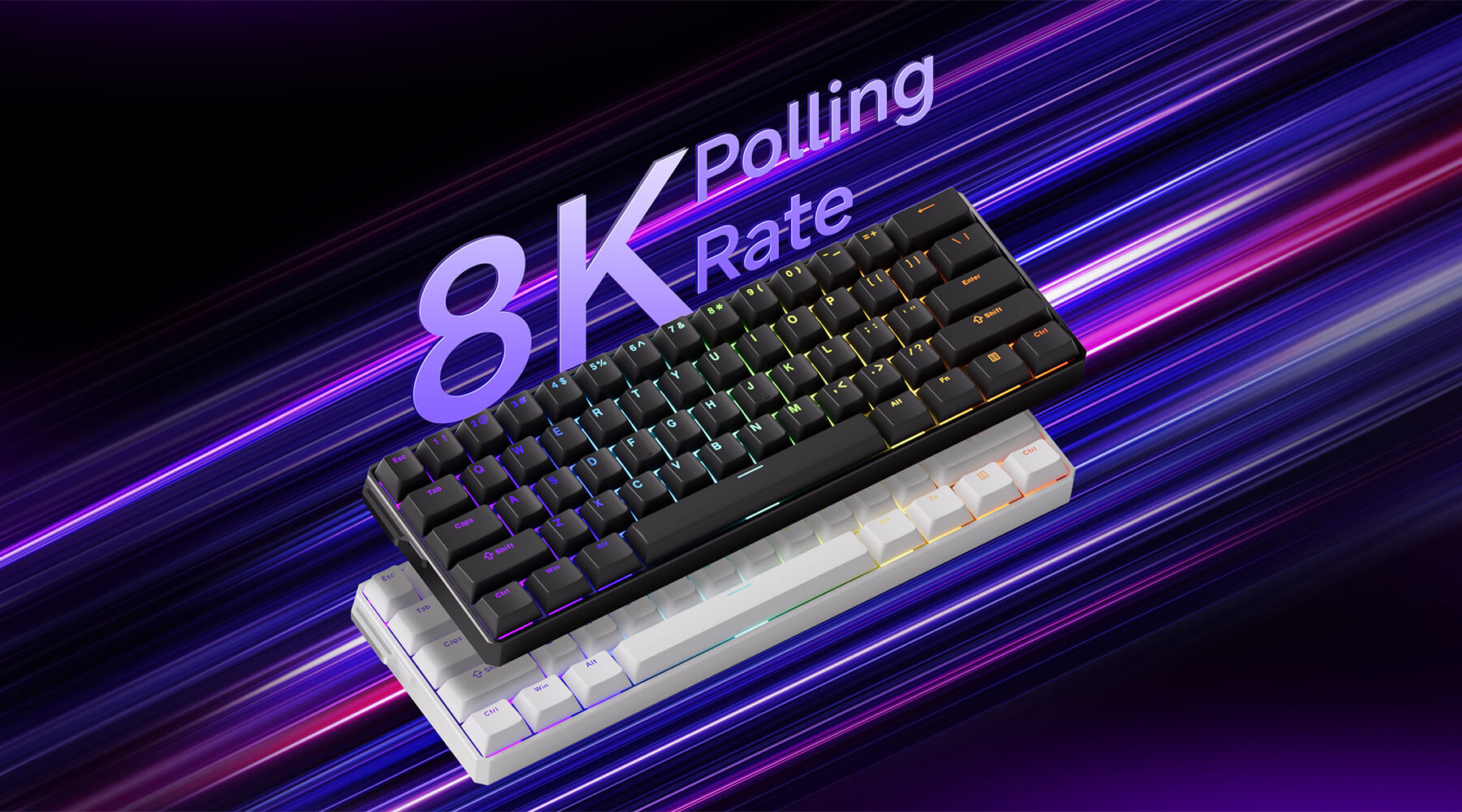
- 4000Hz / 8000Hz → ultra-high-speed gaming keyboards
A higher polling rate can reduce input delay and improve responsiveness during gaming or fast typing.
Why Test Keyboard Polling Rate?
A keyboard polling rate test can help you:
- Verify manufacturer claims
- Check if your keyboard is running at the correct report rate
- Detect unstable USB connections
- Compare wired vs wireless keyboard latency
- Optimize competitive gaming performance
- Test Hall Effect or rapid trigger keyboards
This is especially useful for FPS, rhythm, and esports games where input timing matters.
Keyboard Polling Rate vs Scan Rate
Polling Rate
Definition: How often the keyboard sends input data to the computer through USB.
Measured In Hertz (Hz)
Common Rates: 125Hz / 250Hz / 500Hz / 1000Hz / 8000Hz
Affects
- Input latency
- Response speed
- Gaming performance
- USB report timing
Example
1000Hz means the keyboard reports data every 1ms.
Scan Rate
Definition: How quickly the keyboard internally scans switches to detect key presses.
Measured In Hertz (Hz) Usually scans per second
Controlled By: Keyboard firmware and hardware matrix design
Affects
- Key detection speed
- Debounce handling
- Rapid trigger response
- Internal latency
Example
A faster scan rate helps detect very short or rapid key presses more accurately.
Recommend Gaming Gear


7 colors available
Keyboard Polling Rate Test FAQ
Is keyboard polling rate important?
Yes. A higher polling rate reduces input delay and can improve responsiveness, especially in competitive gaming.
Can I test a wireless keyboard?
Yes. The tool works with both wired and wireless keyboards, although wireless stability may affect consistency.
Why does my polling rate fluctuate?
Small fluctuations are normal. Larger variations may indicate USB instability, wireless interference, browser limitations, or power-saving settings.
Is 1000Hz enough for gaming?
Yes. 1000Hz is currently the standard polling rate for most gaming keyboards and provides very low input latency.
Does polling rate affect typing?
For normal typing, the difference is usually minimal. Higher polling rates are more noticeable in gaming and rapid input scenarios.
Can browsers limit polling rate tests?
Yes. Different browsers and operating systems may handle keyboard input events differently, which can slightly affect measurements.