





Gaming Headset Audio Test






Test Your Headset Online
This free Headset Test helps you check audio quality, stereo positioning, surround sound performance, and headset latency directly in your browser.
The tool works with gaming headsets, wireless earbuds, studio headphones, USB headsets, and laptop audio devices without requiring software installation.
You can use the Headset Test to detect:
- Incorrect left-right audio channels
- Audio delay and wireless latency
- Weak surround sound positioning
- Distorted audio frequencies
- Inconsistent gaming audio playback
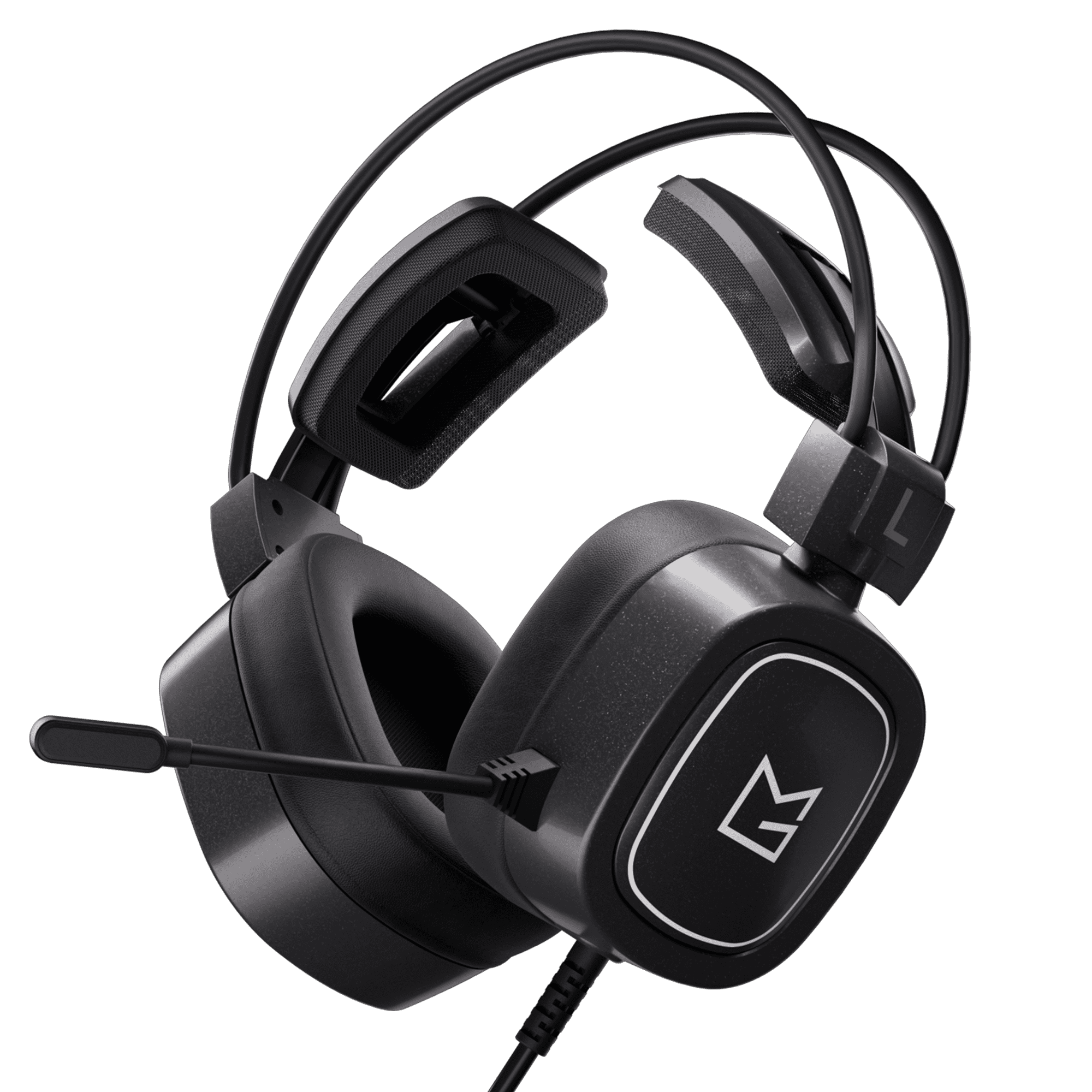
Recommended Headsets


Headset Test FAQ
How do I test my headset online?
Select a test module and play the audio directly in your browser to check sound quality and positioning.
Can I test surround sound with this tool?
Yes. The 3D Surround Sound Test simulates directional audio movement and positional sound effects.
Does the Headset Test work with wireless earbuds?
Yes. The tool supports wireless headsets, Bluetooth earbuds, USB headsets, and wired headphones.
How can I check headset latency?
Use the Delay Test to compare visual input and audio playback synchronization.
What does the Frequency Generator do?
The Frequency Generator scans audio frequencies from 20Hz to 20kHz to help identify distorted or weak sound ranges.