
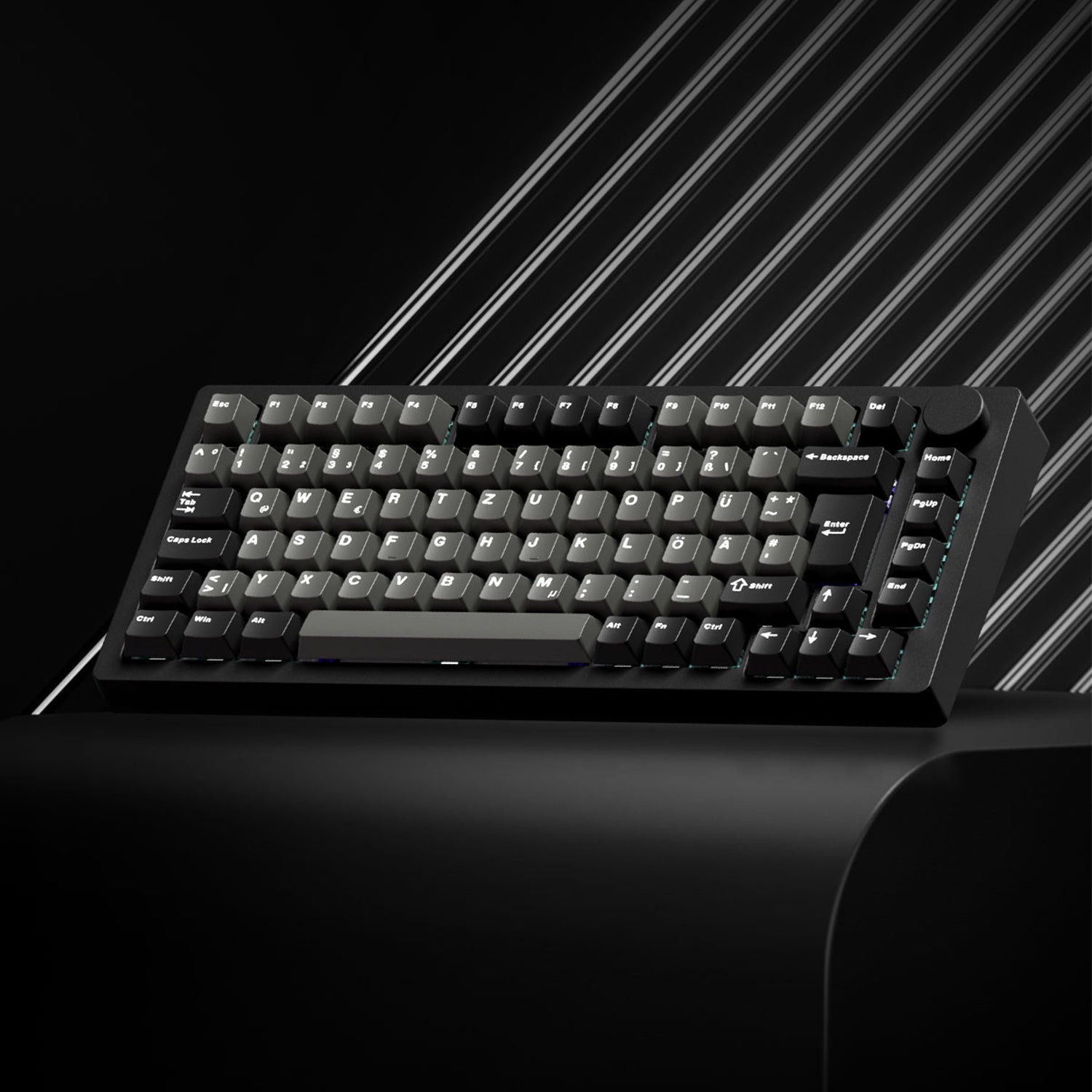
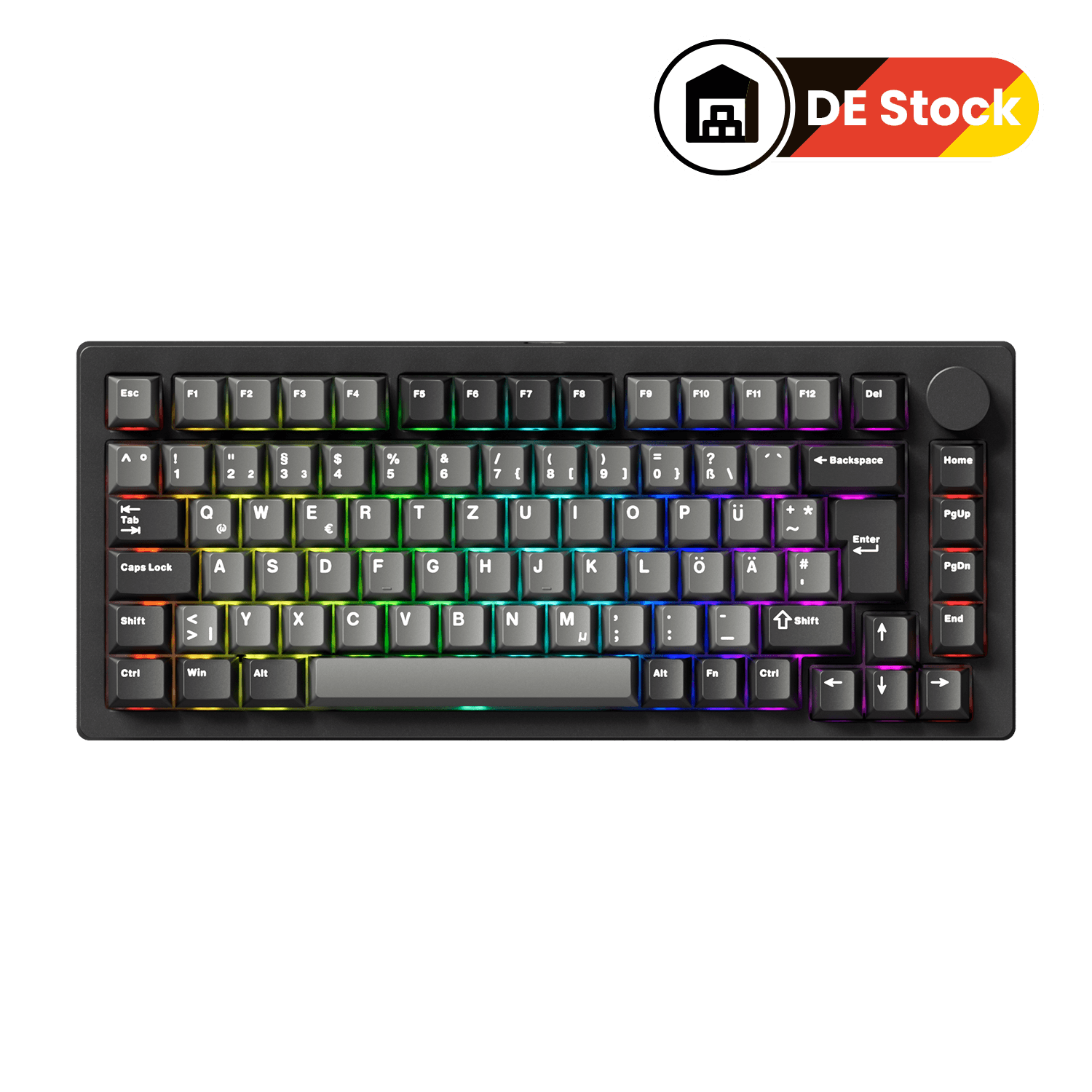
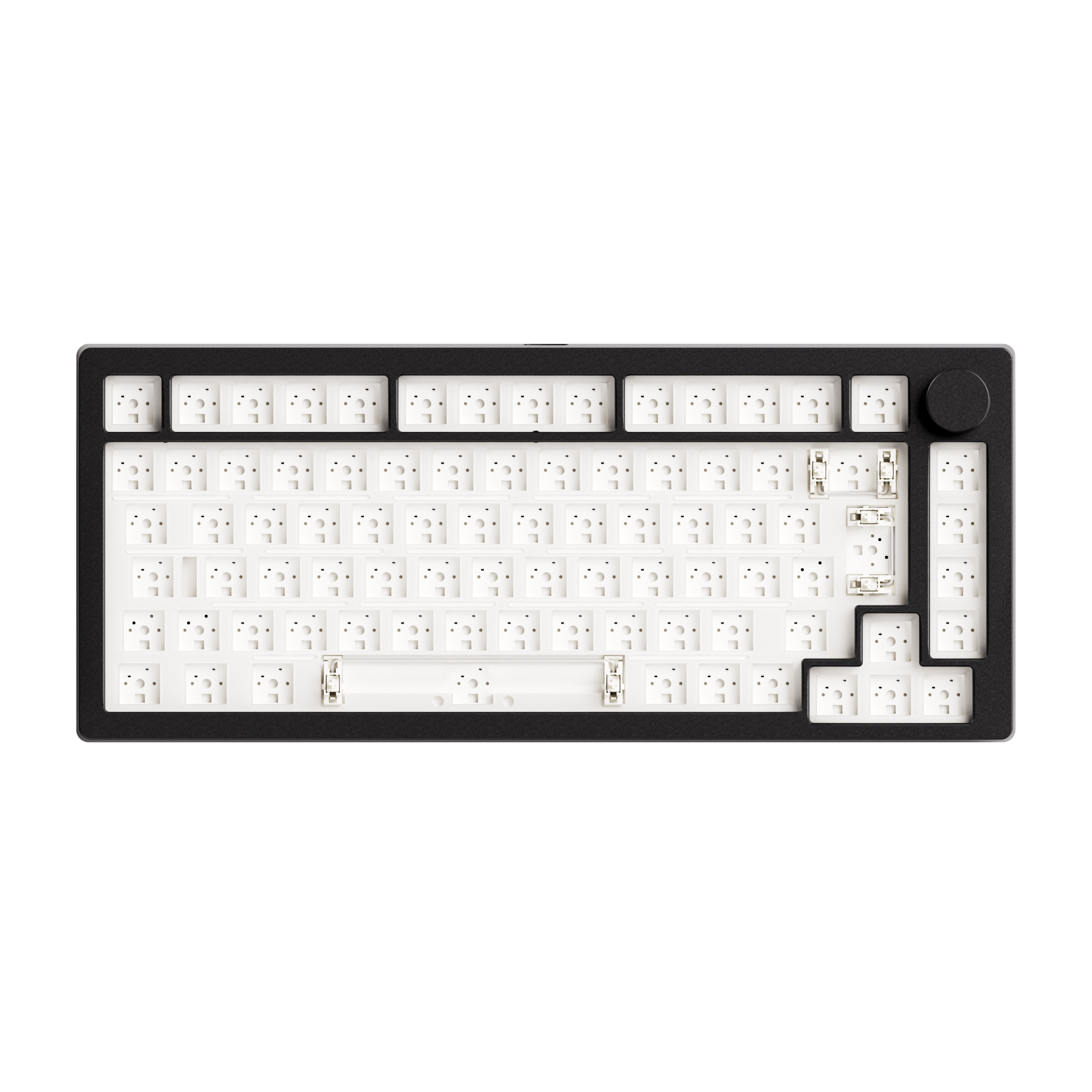
MonsGeek M1 V5 TMR Magnetic Keyboard
Powered by cutting-edge TMR magnetic technology, it delivers ultra-fast response, adjustable actuation, and a truly next-generation typing experience.
View Product

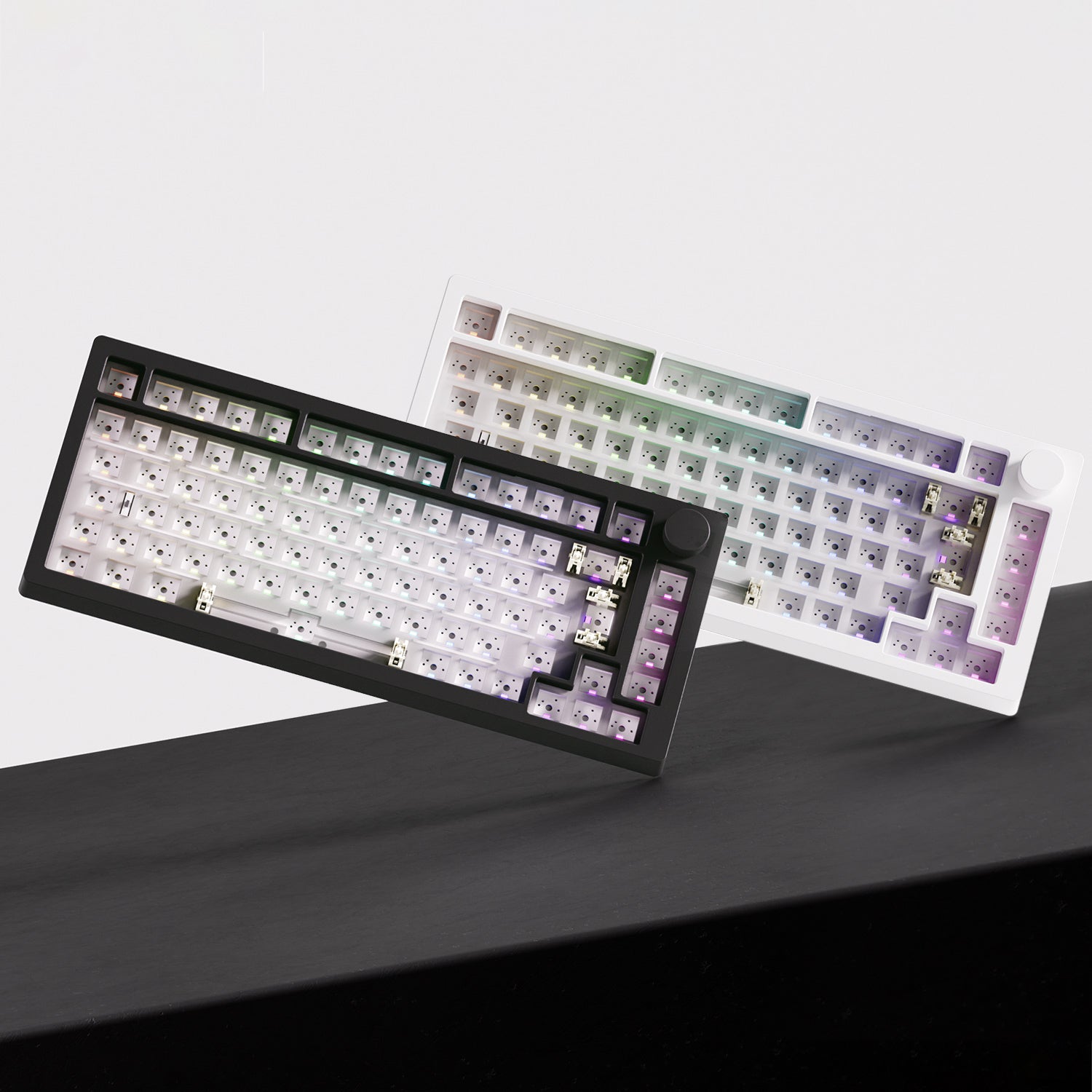
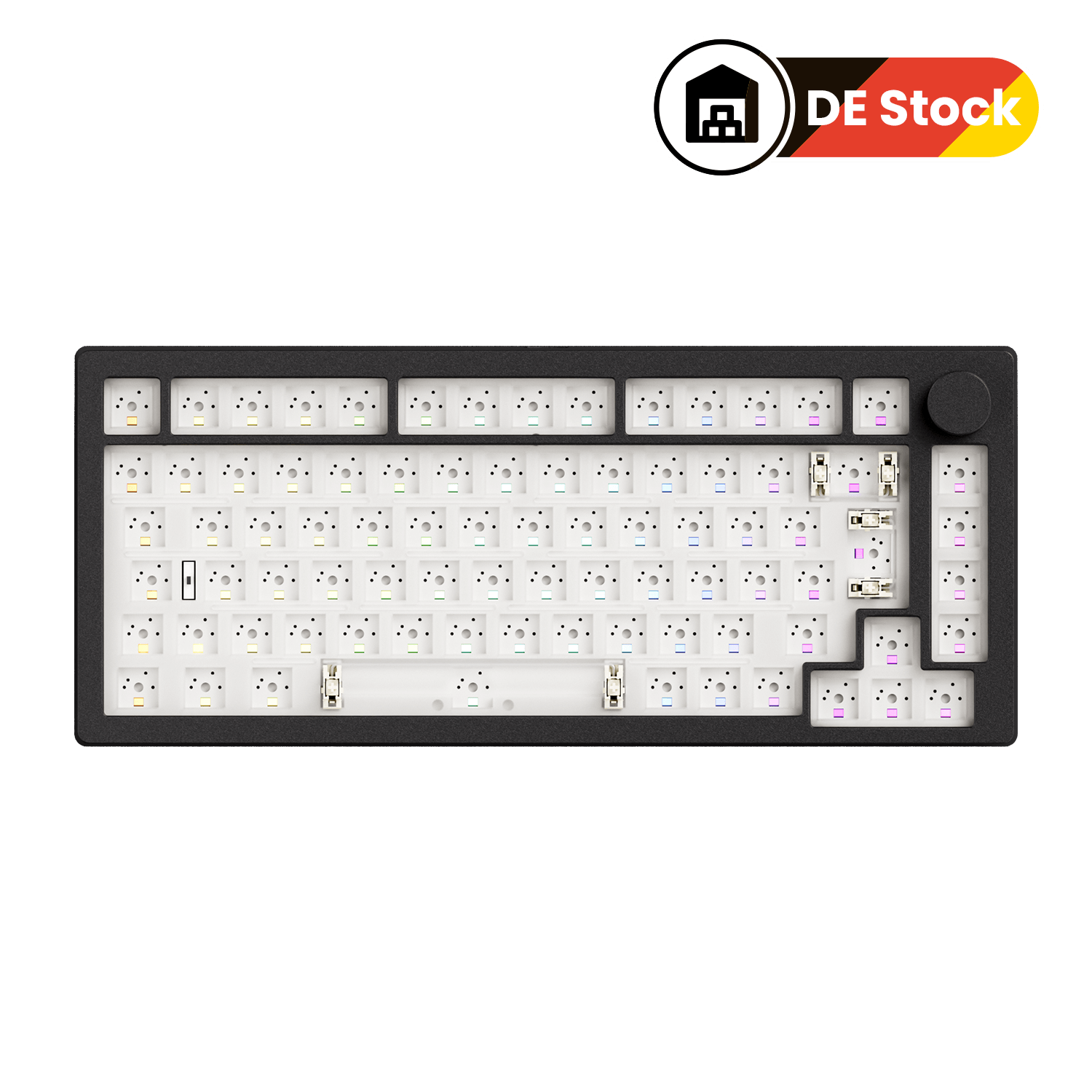
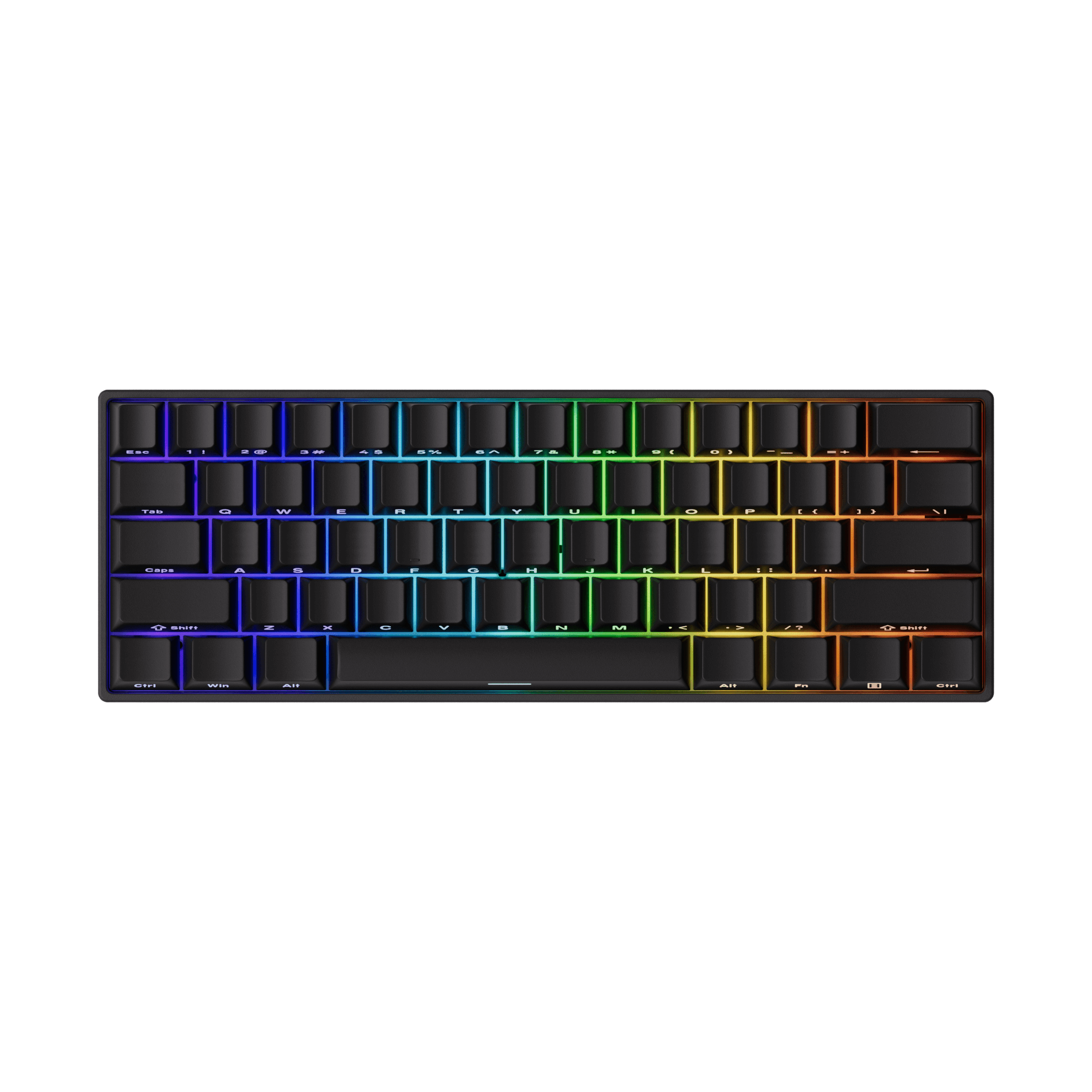
MonsGeek M1 V5 VIA Keyboard
With VIA support, 5-pin hot-swappable sockets, and a quick-release structure, it’s the perfect platform for keyboard enthusiasts to craft their personalized typing experience.
View Product

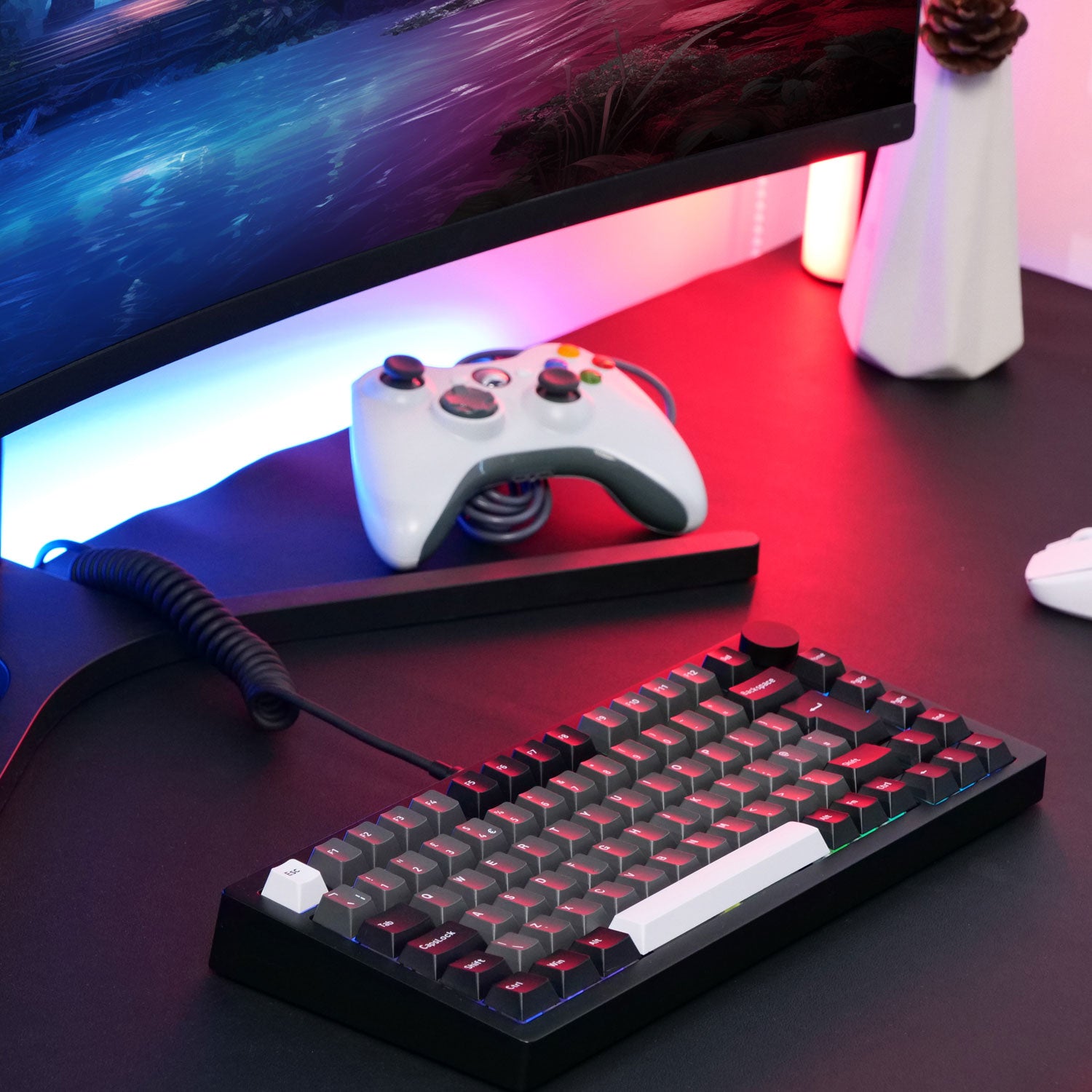
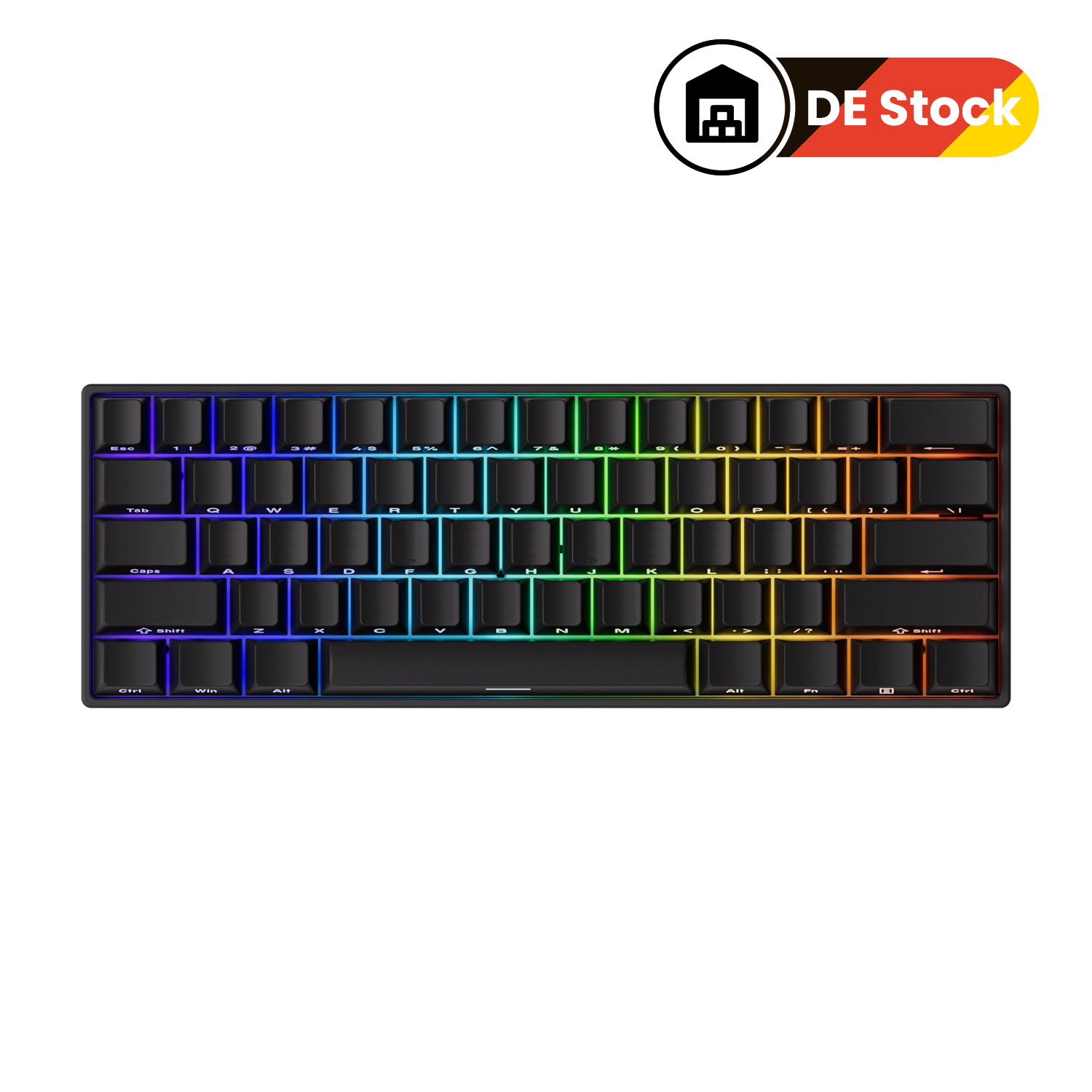
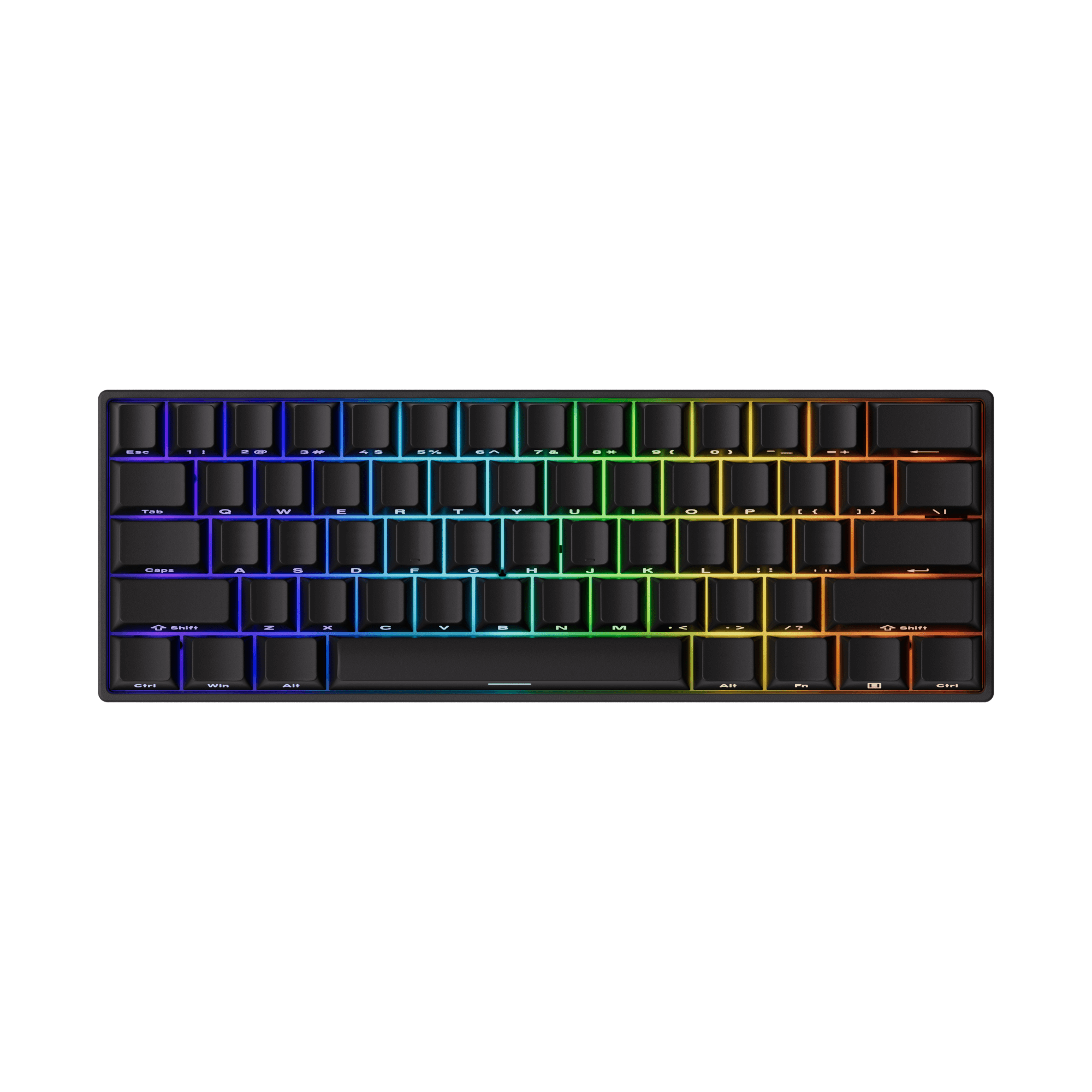
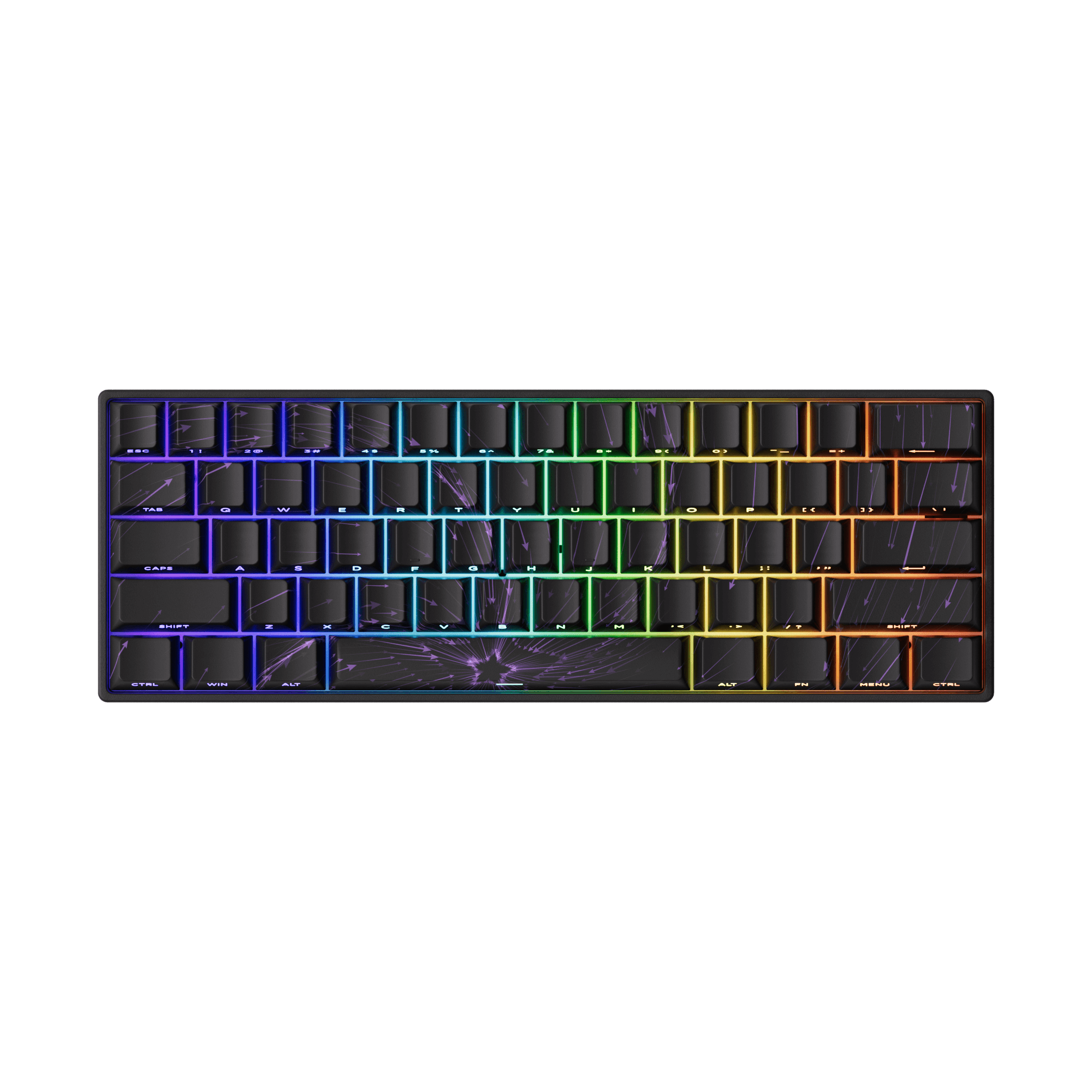
FUN60 Pro ISO HE Magnetic Keyboard
Compact yet powerful, it features adjustable magnetic switches and full ISO layout support—perfect for European users who demand precision and flexibility.
View Product
What are US Keyboard Layout?
US Keyboard Layout Main Features
1. Shape of the Enter Key
Unlike the British keyboard, the American keyboard features a rectangular Enter key. This design is more prevalent globally and has become an international standard.
2. Symbol Placement
On the American keyboard, both Alt keys perform the same function, simplifying user interaction and reducing the need for memorisation. Additionally, the overall configuration of function keys is straightforward, avoiding unnecessary complexity.
3. Reflection of Linguistic Habits
American English does not retain accents in words, which has influenced the design of the American keyboard. Without the need to accommodate accented characters, the layout is cleaner and more streamlined, catering to a wide range of users.
Advantages of US Keyboard Layout
- Widely used, ensuring compatibility with most software and systems.
- Fewer keys, resulting in a simpler design.
Disadvantages of US Keyboard Layout
- Lacks the
£ symbol, requiring alternative methods for input.
Why are US and UK keyboards different?
The differences between US and UK keyboards primarily stem from regional preferences, language nuances, and historical keyboard design choices. These variations cater to the specific needs of users in each region, such as accommodating different symbols, punctuation, and the structure of written language.
UK Keyboard VS US Keyboard
| Feature |
UK Keyboard Layout |
US Keyboard Layout |
| Number of Keys |
88/102/105 keys |
87/101/104 keys |
| Additional Symbol Key |
Includes a symbol key to the right of the left Shift key |
None to the right of the left Shift key |
| Enter Key |
“7”-shaped |
Rectangular |
| Left Shift Key |
Shortened to make room for an additional key |
Full length |
| Alt Key |
Right Alt key is replaced by “Alt Gr” for typing special characters |
Both Alt keys have identical functionality |
| Special Characters |
" above the 2 key, @ above the apostrophe (') |
@ above the 2 key, " above the apostrophe (') |
| Backslash (\) Key |
Located next to the left Shift key |
Located above the Enter key |
| Hash (#) Key |
Dedicated key next to the Enter key |
Requires Shift+3 |
| Pound Sterling (£) |
Dedicated key above the 3 key |
Not present as a dedicated key |
| Language Considerations |
Accommodates British English and frequent French accents |
Designed for American English |
| Layout Origin |
Follow ISO layout |
Follow ANSI layout |
1. Number of Keys
-
UK Layout: Typically features 88, 102, or 105 keys, allowing for more key options, especially with the ISO layout.
-
US Layout: Typically has 87, 101, or 104 keys, following the ANSI layout, which is more simplified.
2. Additional Symbol Key
-
UK Layout: Includes an additional symbol key located to the right of the left Shift key, often used to access characters like
£ and other accented letters.
-
US Layout: Does not include this key; the space is used for the full-sized Shift key.
3. Enter Key
-
UK Layout: The Enter key is shaped like a “7” (L-shaped), providing extra space for other keys.
-
US Layout: The Enter key is rectangular and uniform in shape.
4. Left Shift Key
-
UK Layout: The left Shift key is shortened to accommodate an additional key (the symbol key).
-
US Layout: The left Shift key is full-length and extends across the bottom row.
5. Alt Key
-
UK Layout: The right Alt key is replaced by “Alt Gr” (Alternate Graphic), which allows easy typing of special characters like
€ or ç.
-
US Layout: Both the left and right Alt keys function identically.
6. Special Characters
-
UK Layout: The quotation mark (
") is placed above the number 2 key, while the at symbol (@) is above the apostrophe (').
-
US Layout: The @ symbol is located above the 2 key, while the quotation mark (
") is above the apostrophe (').
7. Backslash () Key
-
UK Layout: The backslash (
\) key is located next to the left Shift key.
-
US Layout: The backslash (
\) key is located above the Enter key, which may confuse users switching between layouts.
8. Hash (#) Key
-
UK Layout: The hash symbol (#) has its own dedicated key next to the Enter key.
-
US Layout: The hash symbol is accessed by pressing Shift + 3.
9. Pound Sterling (£)
-
UK Layout: The pound sterling (£) symbol has its own dedicated key, located above the number 3 key.
-
US Layout: The pound sterling symbol is not present as a dedicated key.
10. Language Considerations
-
UK Layout: Optimized for British English and frequently used for writing words with French accents or other special characters.
-
US Layout: Designed specifically for American English and its punctuation needs.
11. Layout Origin
-
UK Layout: Follows the ISO (International Organization for Standardization) layout, which generally offers more keys and a slightly different key arrangement.
-
US Layout: Follows the ANSI (American National Standards Institute) layout, a simpler and more standardized design.
How to Change Keyboard From US to UK?
On Windows
Open Settings: Press Windows + I to open the Settings app.
Navigate to Language Options:
Go to Time & Language > Language & Region.
Under Preferred Languages, select the current language (e.g., English (United States)) and click Options.
Add a Keyboard Layout: Click Add a Keyboard under the "Keyboards" section.
Select English (United Kingdom) from the list.
Switch Between Layouts: Press Windows + Spacebar to toggle between layouts or use the language switcher in the taskbar.
How to Choose the Right Layout
1. Considerations Based on Region of Use
Choose the layout most relevant to your location or the regions you frequently interact with. UK users may find the UK layout more intuitive, while international users often lean towards the US layout.
2. Work or Study Requirements
Consider your specific needs, such as the frequency of typing currency symbols or programming special characters.
3. Personal Comfort and Typing Style
If you’re already comfortable with one layout, it may be best to stick with it to maintain efficiency.
Conclusion
The choice between the UK and US keyboard layouts ultimately depends on your regional needs, typing habits, and specific use cases. Understanding the key differences and practical implications can help you make an informed decision that enhances your typing experience. Whether you opt for the UK’s vertical Enter key or the US’s simpler design, selecting the right layout ensures comfort and productivity.
FAQ
What is the ISO vs ANSI relevance for UK and US keyboards?
The UK layout follows the ISO standard, while the US layout adheres to the ANSI standard. This affects the size and placement of certain keys, such as the Enter key.
Is the QWERTY keyboard in the US or UK?
The QWERTY keyboard is used in both the US and the UK. But the US layout is optimised for American English, while the UK layout accommodates British English and includes some features specific to UK currency and punctuation.
Will switching my keyboard layout affect my typing speed?
Switching your keyboard layout can temporarily affect your typing speed, especially if you’re accustomed to one layout and switch to another with noticeable differences. The impact largely depends on the extent of the differences and your adaptability.
Can you use an American keyboard in the UK?
Yes, you can use an American (US) keyboard in the UK without any issues, as the physical hardware of the keyboard works the same way in both countries. The key differences between the US and UK layouts are related to the keyboard layout configuration, not the actual function of the keys.














Leave a comment
All comments are moderated before being published.
This site is protected by hCaptcha and the hCaptcha Privacy Policy and Terms of Service apply.